Motion Lift Pro
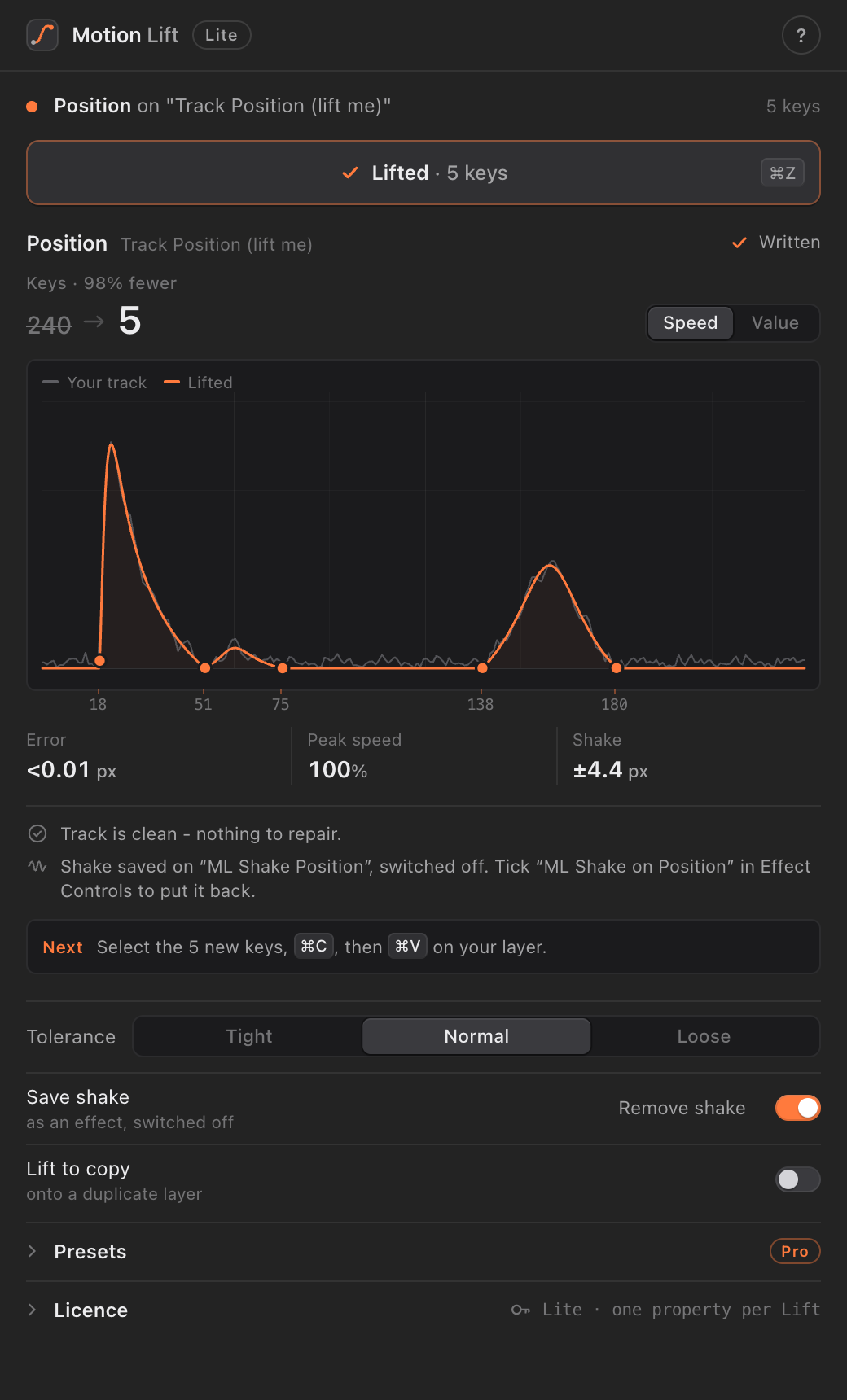
Copy any move’s exact ease in one click.
- Lift every selected property at once
- Save eases as presets and apply them anywhere
- Reverse, the clip-end rewind Beta
- Apply for Lift ramp and Lift CC Beta

Previews play muted. Football footage belongs to its owners.
Copy any move’s exact ease in one click.

Lift one property at a time, with the graph, the shake split and Track for me. Mac and Windows.
The method I use to upload my edits from PC for 1080p 60 fps quality on TikTok.
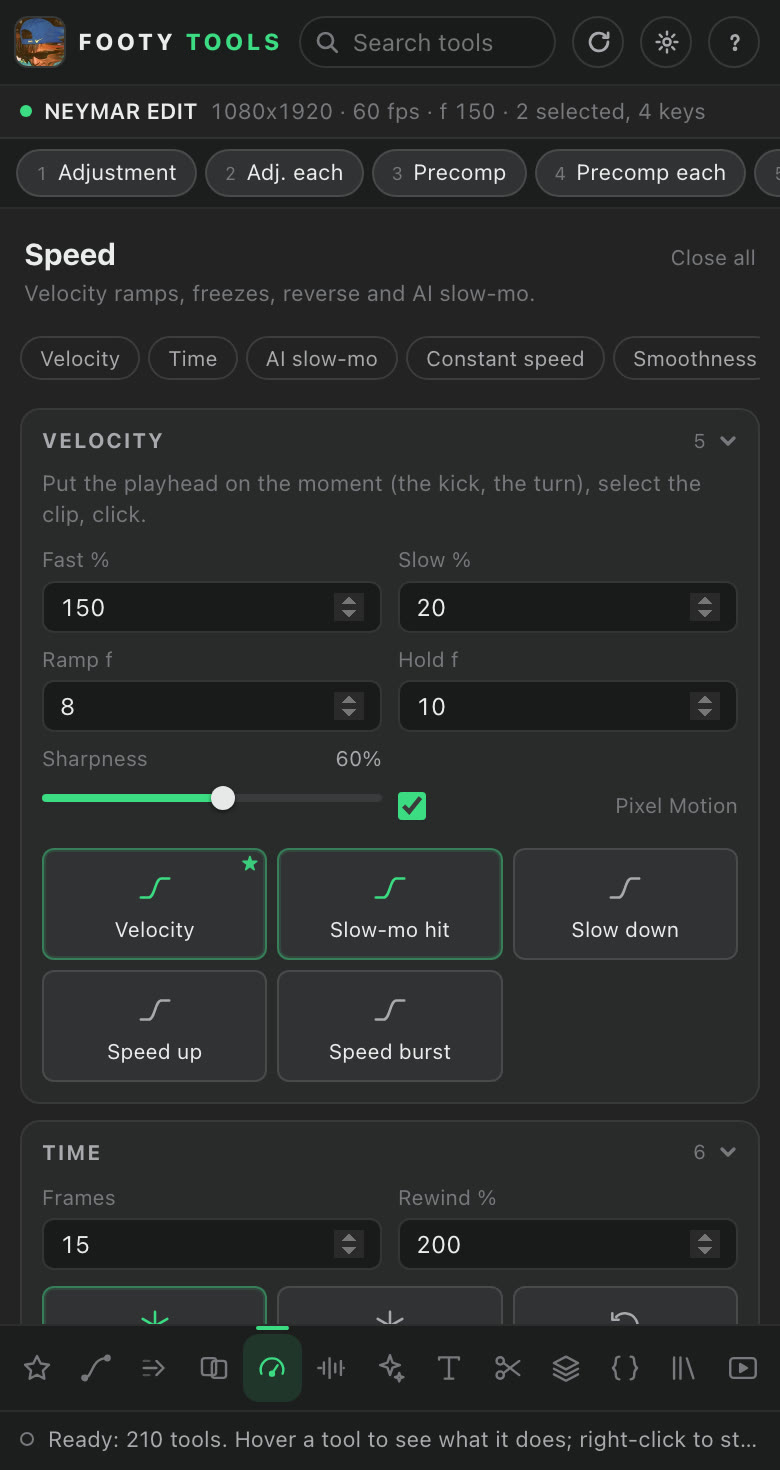
Every tool an editor reaches for, in one panel. Select a layer, click, done.

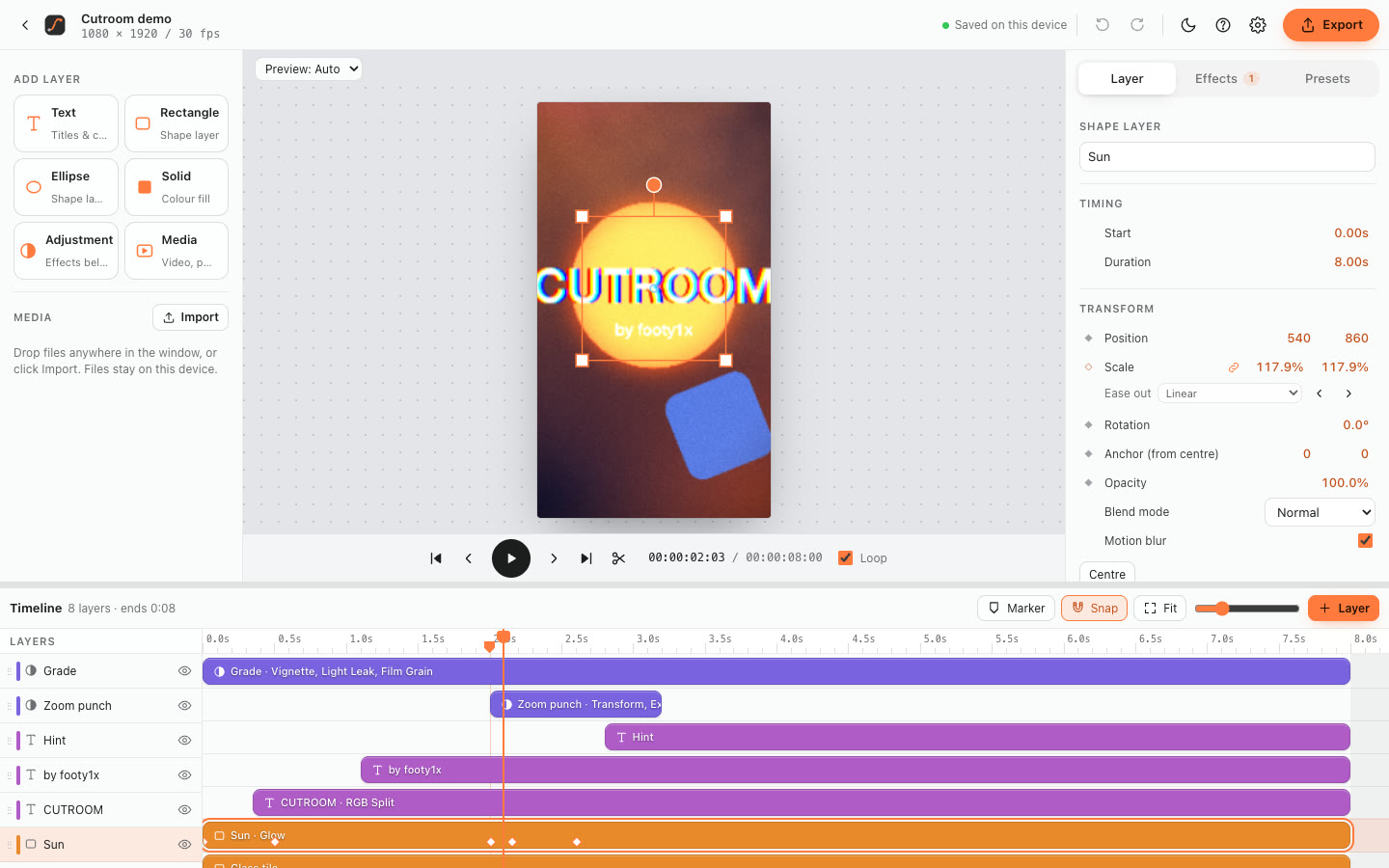
A video editor in your browser, built like After Effects. Nothing to install, nothing uploaded.

Get the .zxp free from GitHub. Pro buyers also get it with their receipt.
After Effects can’t open a .zxp by itself. Use aescripts ZXP/UXP Installer or Anastasiy’s Extension Manager.
Quit After Effects, open the installer and drag the .zxp onto its window.
In After Effects: Window > Extensions > Motion Lift. Pro: paste your key under Licence, then Activate.
240 tracked keys in. 5 clean ones out, with the exact ease.
Finds the cuts, the camera and every moving thing. A keyed null on each.
Reads the Twixtor speed ramp off an edit and puts it on your clip.
Plays forward, turns at an orange Rewind marker and rewinds. 0.72 s a clip.
Reads an edit's colour correction and builds it on one adjustment layer.
Save a lifted ease and put it on any keyframes in one click.
The quickest way to reach me.
My edits, and new tools as they drop.
Follow @footy1x.ae ›Install, activate, move a licence, refunds.
Get help ›